| Share Scanner with BlindScanner |
|
Sometimes users of one local area network face the following problem: whether it is necessary to buy another scanner if you already have one in office or at home just for everyone to be able to scan documents without distracting colleagues from their important work?
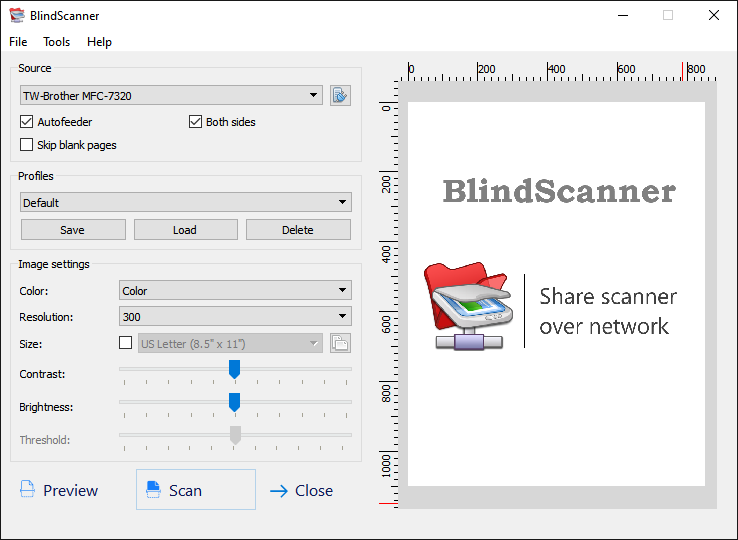
The BlindScanner software will share and open access to a scanner on the local area network that is not directly connected to your computer, but installed on a computer located in the neighboring room, for example. Easiness of use, saving to various formats, compressing images, scanning pages automatically, scanning multiple pages, supporting an automatic feeder - these are not all program features. Now you can scan images using your favorite software, text and image editors, just select BlindScanner Pro in the list of installed scanners, specify the necessary color, resolution and size of the image. In addition, you can use BlindScanner on the single computer for receiving images from scanner in the automatic mode (with timer delay) and saving images to the different graphic format. The comparative table of capabilities
Using BlindScanner application
After installation of the application, you can familiarize with the detailed information for using of the application user's guide .
Features
BlindScanner has a number of advantages in comparison with other programs that use scanner. Among which: saving in a PDF format (multipage scanning), scanning on the timer, and set of others.
Support
About support of the registered users, about that how to solve the problems if its appear it is possible to find out in Support section of this site. Find out how to contact developers of this program. |
|||||