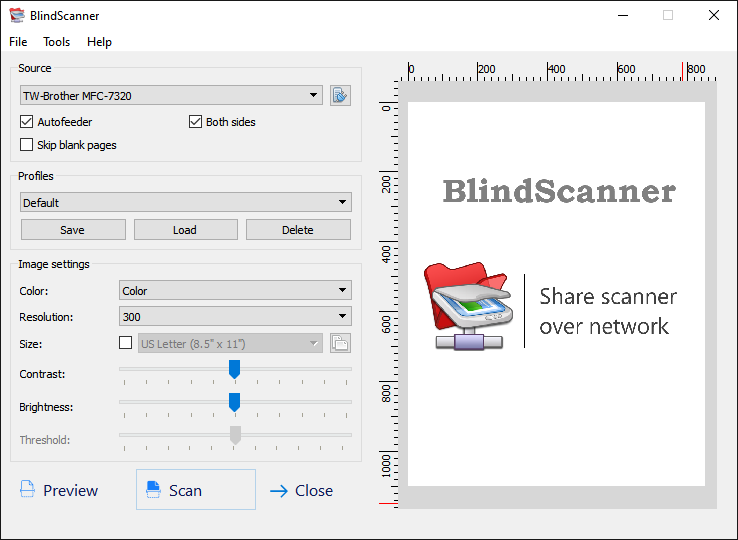
Share Scanner with BlindScanner Print E-mail

Sometimes users of one local area network face the following problem: whether it is necessary to buy another scanner if you already have one in office or at home just for everyone to be able to scan documents without distracting colleagues from their important work?

The BlindScanner software will share and open access to a scanner on the local area network that is not directly connected to your computer, but installed on a computer located in the neighboring room, for example. Easiness of use, saving to various formats, compressing images, scanning pages automatically, scanning multiple pages, supporting an automatic feeder - these are not all program features. Now you can scan images using your favorite software, text and image editors, just select BlindScanner Pro in the list of installed scanners, specify the necessary color, resolution and size of the image.
The program will be useful not only in office where it will help you save several hundred dollars you could spend on a new scanner, but also at home for scanning from a notebook in a wireless home local area network. BlindScanner works with any flatbed TWAIN scanner and also supports scanners with automatic feeders.

In addition, you can use BlindScanner on the single computer for receiving images from scanner in the automatic mode (with timer delay) and saving images to the different graphic format.

The comparative table of capabilities


BlindScanner Standard

BlindScanner Pro

Allows to scan, using the remote scanner and to save images in folders (it is possible automatically by the timer).

There is an opportunity to save scanned images in formats BMP, GIF, TIFF, JPEG, PDF, PNG

The server part should be installed and started on a computer which is connected to the scanner. The client part - on other computers where it is required to allow scanning, should be started as the separate application.                                       

Allows to scan, using the remote scanner. Has TWAIN interface on the client side and has a little bit expanded opportunities. It is compatible practically with all graphics applications. BlindScanner Pro looks for applications like a usual scanner (BlindScanner Pro). Transfers the image directly into application at scanning.

The server part should be installed and started on a computer which is connected to the scanner. The client part - on other computers where it is required to allow scanning, should be started from programs at while scanning.

The distribution kit contains Scanitto - the simplest program for scanning.

 
Using BlindScanner application 

After installation of the application, you can familiarize with the detailed information for using of the application user's guide .

Features

BlindScanner has a number of advantages in comparison with other programs that use scanner. Among which: saving in a PDF format (multipage scanning), scanning on the timer, and set of others.

Support

About support of the registered users, about that how to solve the problems if its appear it is possible to find out in Support section of this site. Find out how to contact developers of this program.