
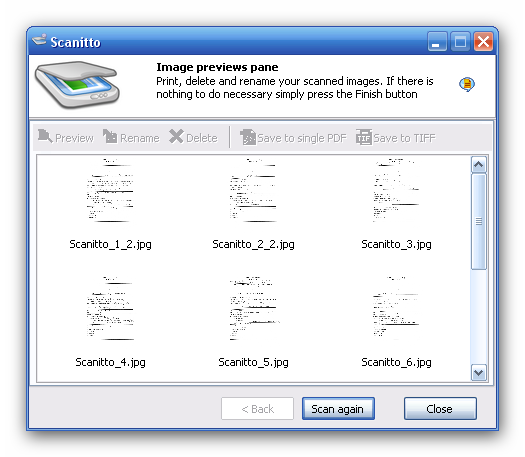
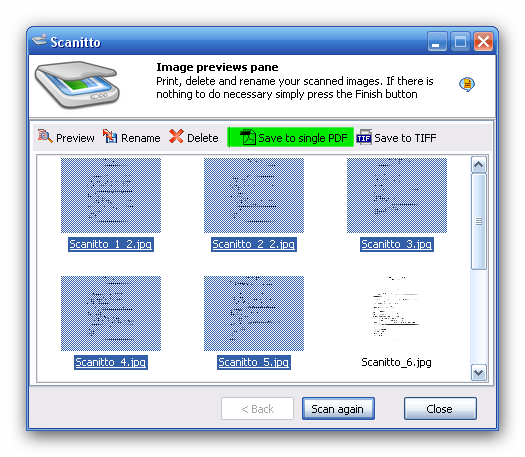
On the last window you can select by mouse (Press and hold down the CTRL key while you click images) which images you need to be saved...
... and than click "Save to single PDF" button on the toolbar.
Scanitto Lite will ask you where you wish PDF to be saved.